
Spatial Page Maintenance Mode: What It Means for Building Safety
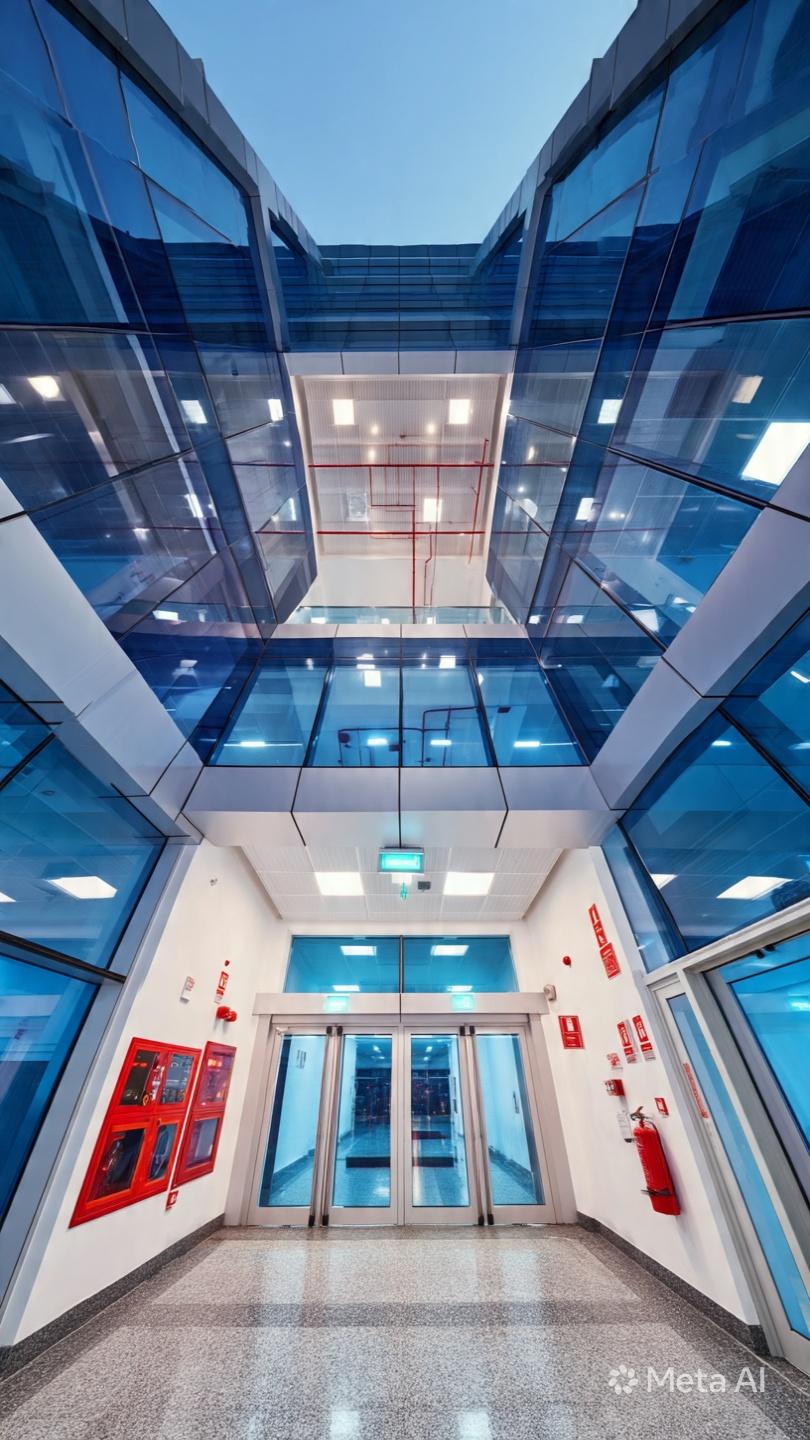
Operating a building is not only about the physical structure itself. Behind every building lies a multitude of systems that work in the background to ensure security. These include fire detection systems, fire sprinklers, emergency lighting systems, and safety policies that provide constant protection. Downtime is required when these systems undergo maintenance or inspection. This period is known to industry insiders as a temporary operational pause. On a digital platform for managing buildings, the term used is Spatial Page Maintenance Mode.
It is vital to understand the implications of being in this mode, its effect on safety operations within the building, and the proper course of action. Many building operators underestimate the importance of this phase, treating it as nothing more than a slight delay. In fact, it is an essential period where manual intervention and communication become necessary.
What Is Spatial Page Maintenance ?
The Spatial Page Maintenance is the temporary period when some features of building management and safety software platforms get switched off to update, repair, or configure them. For that time, the digital layer of information used to monitor safety zones, alarm systems, and evacuation information gets out of commission.
But this is not only about the software itself. In cases where the buildings' security measures are strongly tied to the use of digital means, this moment will result in practical drawbacks. Employees may have no access to the floor map, sensors, or any other relevant data that might influence the response in case of an emergency.
Why Maintenance Windows Happen and Why They Matter
No software application can continue to run smoothly without updates to patch any problems, boost performance, meet any additional compliance requirements, and address potential security issues. The monitoring system for any building should be updated frequently to ensure proper functioning.
However, it is critical to understand that the building continues to operate while the update is in progress. There are people within its walls who have certain risks associated with their stay inside the structure. At the same time, the people in charge of maintaining safety have to work, but without any technological assistance available to them.
Here is why it is essential to have an option to switch to the manual procedure in case something goes wrong with the software-based solution.
How to Keep Safety Operations Running During Downtime
As soon as your building management platform goes into maintenance mode, consider doing the following in order to ensure that your safety standards remain in place:
-
Turn on manual monitoring: Staff members must be assigned to conduct manual surveillance in case certain safety points, stairs, and exit routes cannot be monitored electronically.
-
Distribute physical floor plans and evacuation maps : Electronic display units may not be functional. Ensure that there are physical copies available to all building occupants.
-
Alert all concerned employees ahead of time : It should never come as a shock to any member of the staff that the building is going into maintenance mode.
-
Check your communication methods : Radio units, intercom units, and phone trees should be tested to ensure that these tools are functional when needed.
-
Conduct everything manually : Anything concerning safety measures, including incident reports and manual surveillance, should be documented in writing.
Establish a timeline for system restoration — This allows your staff members to organize themselves and conduct manual surveillance according to schedule.
The Role of Professional Safety Consultants During System Downtime
An experienced consultant does not just help you achieve code compliance when your business operates as usual. Your consultant helps ensure that safety remains high and that nothing gets compromised, even if the online systems stop working for some reason.
An experienced consultant understands what your current processes are like, what your level of reliance on software platforms is, and knows the weaknesses that arise when you enter the maintenance period. Your consultant provides clear guidelines that your employees are sure to follow. Your consultant brings vast expertise gained through countless projects and buildings.
Why Every Building Needs a Safety Continuity Plan
There exists an emergency plan for almost every structure or building. However, there is a low likelihood that one will find a safety continuity plan that describes the steps that must be followed in case of disruption to the system used in ensuring safety. It could be in cases of routine maintenance, electrical power failure, or a cyber-attack on the building management system. A fire and life safety professional can assist in developing such a continuity plan.
Such a continuity plan should consider all possible disruptions to the safety monitoring systems, both those arising from computerized processes and those involving disruptions at other times.
Why People Choose Us
Building managers and facility teams across the country trust us because we understand that safety is not a part-time job. Here is what sets us apart:
Conclusion
Safety management has become easier and more efficient thanks to technological advancements. However, with all these benefits, there has also come a new risk – the maintenance window. To learn more about the dangers of Spatial Page Maintenance and what you can do about them, start by preparing your team.And here’s where consulting from a fire and life safety consultant Canada becomes invaluable.
The most prepared organizations are those that develop proper documentation beforehand, engage with experienced professionals, and have everything planned in advance. Do not find out about how inadequate your plan is in case of an extended outage, but think about it now and ensure that everyone on your team knows what to do in such cases.
FAQs
Q:1 How long does a typical building management system maintenance window last?
Ans: Most planned maintenance windows last between two and eight hours. However, complex updates or unexpected issues can extend this. Always plan for longer than the estimated time.
Q:2 What should staff do if a safety alarm triggers during a maintenance window?
Ans: Follow the building's manual emergency response procedures immediately. Do not wait for digital systems to come back online. Alert emergency services, initiate evacuation if required, and document the incident manually.
Q:3 Is it possible to schedule maintenance windows during low-risk periods?
Ans: Yes, and it is strongly recommended. Late-night hours or weekends when occupancy is lowest reduce the risk associated with reduced digital monitoring capability.
Q:4 Do building codes require backup procedures for digital system downtime?
Ans:Many jurisdictions require that life safety systems remain operational or that documented manual procedures exist for any period of system unavailability. A qualified safety consultant can clarify the specific requirements for your location.
Q:5 How often should a safety continuity plan be reviewed?
Ans: At minimum, once per year. Additionally, any time a new software platform is adopted, a major renovation occurs, or staff responsibilities change significantly.

 English
 Arabic
 French
 Spanish
 Portuguese
 Deutsch
 Turkish
 Dutch
Dutch
 Italiano
 Russian
 Romaian
 Greek
Greek