
The Ultimate Guide to Online Bill Payments in Pakistan (2026)
Pakistan’s digital payment landscape is currently dominated by the Instant Payment System (Raast) and the massive growth of Branchless Banking. With over 100 million mobile wallet accounts, consumers now have several secure and instant ways to settle utility, telecom, and educational bills.
1. Mobile Banking Apps
Most major commercial banks in Pakistan (HBL, Alfalah, Meezan, Bank Alfalah, etc.) have integrated bill payment modules into their mobile applications.
-
How it Works: Users log in, select the "Bill Payment" or "Payments" icon, choose the utility company (e.g., LESCO, SSGC), enter the Reference Number, and authorize the transaction with a PIN or Biometric scan.
-
Bills Covered: All utilities (electricity, gas, water), government taxes (FBR), credit card bills, and insurance premiums.
-
Accessibility: Requires a full-service bank account, a smartphone, and active internet banking.
-
Fees: Generally zero for utility payments; minor charges may apply for certain government taxes.
-
Processing Speed: Real-time/Instant.
-
Security: Multi-factor authentication (MFA) and transaction alerts via SMS/Email.
2. Branchless Banking: EasyPaisa & JazzCash
These are the most popular digital payment methods in Pakistan due to their accessibility for the unbanked population.
-
How it Works:
-
Open the app and tap "Bill Payment."
-
Select the bill category and company.
-
Scan the bill's QR code or enter the Reference Number.
-
Verify the amount and enter your 4-digit PIN.
-
-
Bills Covered: Utilities, internet (Nayatel, PTCL), school fees, traffic challans, and online shopping (M-Tag).
-
Accessibility: Anyone with a CNIC and a mobile number can open an account. No traditional bank visit is required.
-
Fees: Usually free for the first few utility bills of the month; small convenience fees may apply thereafter depending on the provider.
-
Popularity: These platforms hold the highest market share for daily retail and utility transactions.
3. ATM-Based Bill Payments
For those who prefer physical interfaces but want to avoid bank counters, ATMs remain a reliable pillar.
-
How it Works: Insert your debit card, enter your PIN, select "Other Services" > "Bill Payments," and input the consumer ID.
-
Bills Covered: Primarily major utilities and telecom.
-
Accessibility: Requires a physical debit card.
-
Security: Highly secure through encrypted hardware, though users must be wary of "skimming" devices.
-
Processing Speed: Instant.
4. Raast (Instant Payment System)
Raast is the State Bank of Pakistan’s (SBP) flagship instant payment gateway.
-
How it Works: It is integrated into existing banking apps. It allows users to pay bills or transfer money using just their mobile number (Raast ID).
-
Advantages: It is completely free of cost for all person-to-person and many person-to-merchant transactions, aiming to eliminate the "transaction cost" barrier.
Comparison Summary
Strategic Recommendations
-
For Frequent Payers: Use Mobile Banking Apps or Raast for zero-fee, high-limit transactions.
-
For Rural/Occasional Users: EasyPaisa or JazzCash are the most convenient due to the vast network of retail agents where you can deposit cash into your digital wallet.
-
For Security-Conscious Users: Stick to Mobile Banking Apps with biometric locks.
Frequently Asked Questions (FAQs)
Q1: What should I do if my payment is successful but the bill still shows "Unpaid"?
Utility companies often take 24 to 48 hours to update their central database. Always keep the digital receipt (screenshot or SMS) as proof of payment.
Q2: Is it safe to pay bills through 3rd party apps?
Only use apps officially recognized by the SBP (State Bank of Pakistan). Look for the "regulated by SBP" badge in the app store description.
Q3: Can I pay a bill after the due date online?
Yes, but the system will automatically calculate and add the late payment surcharge. Some apps may block payments for bills that are more than two months overdue.
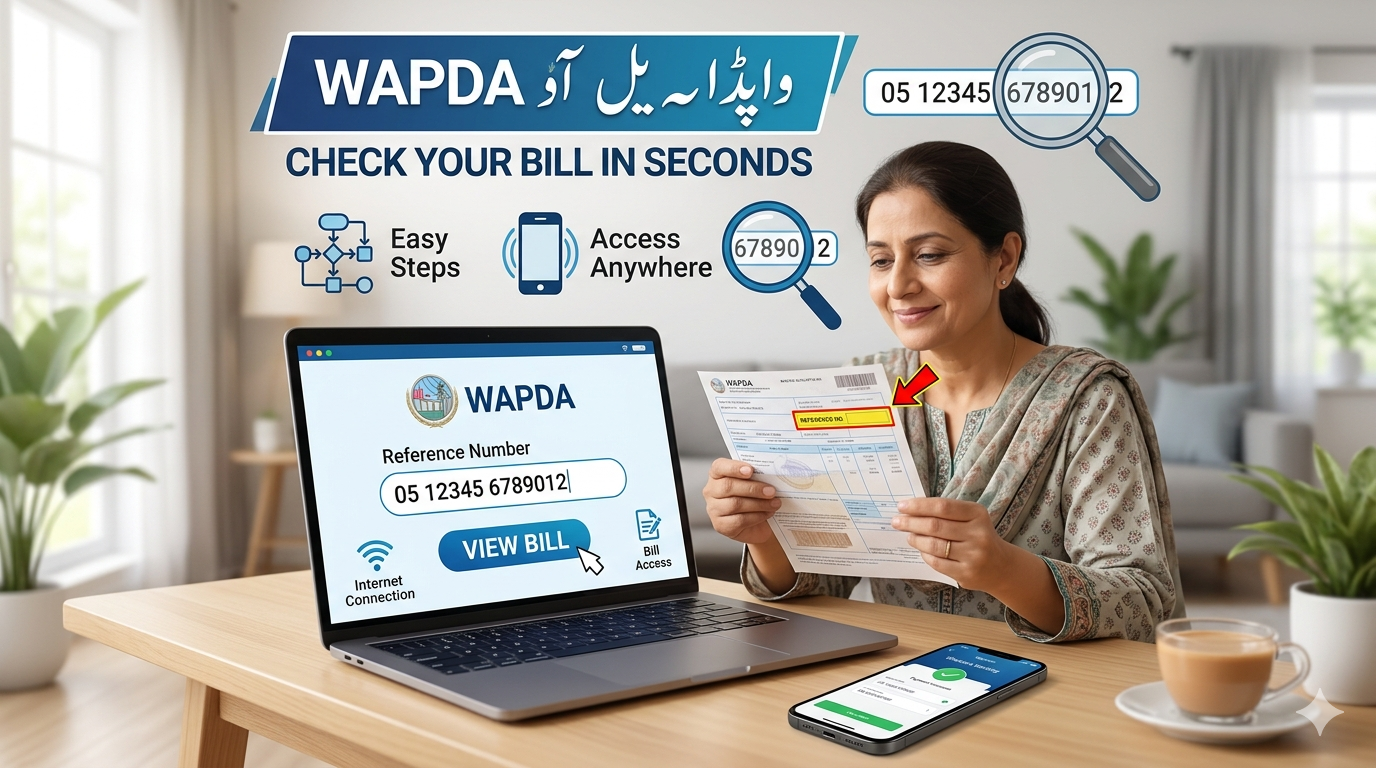
Q4: What is a "Reference Number"?
It is a unique 14-digit (or 10-digit) number printed on your bill. Think of it as your "Account Number" with the utility company. Online systems use this to identify your specific connection.
Q5: Are there any hidden charges for online bill payments?
Under current SBP directives, most utility bill payments are free of charge for consumers on digital platforms to encourage the shift away from cash.

 English
 Arabic
 French
 Spanish
 Portuguese
 Deutsch
 Turkish
 Italiano
 Russian
 Romaian
 Portuguese (Brazil)
 Greek
Greek